Curtail
How it works, screen by screen
Curtail sets screen-time limits on the social media apps you choose, or almost any other Android app, and puts a pet in the way when you cross them. No deleting, no locking: reducing screen time here is a limit and an animal. Every screenshot below is real, off a test phone. The break shots were caught mid-break over Instagram Reels, TikTok and YouTube Shorts; whatever eats your evenings, Curtail treats it the same way. Cash works most of the shifts below; Tango covers one, so you can see the dog on duty. In some shots the feed behind them is softened: that’s an optional blur setting, off by default.
1
You set the screen-time budget
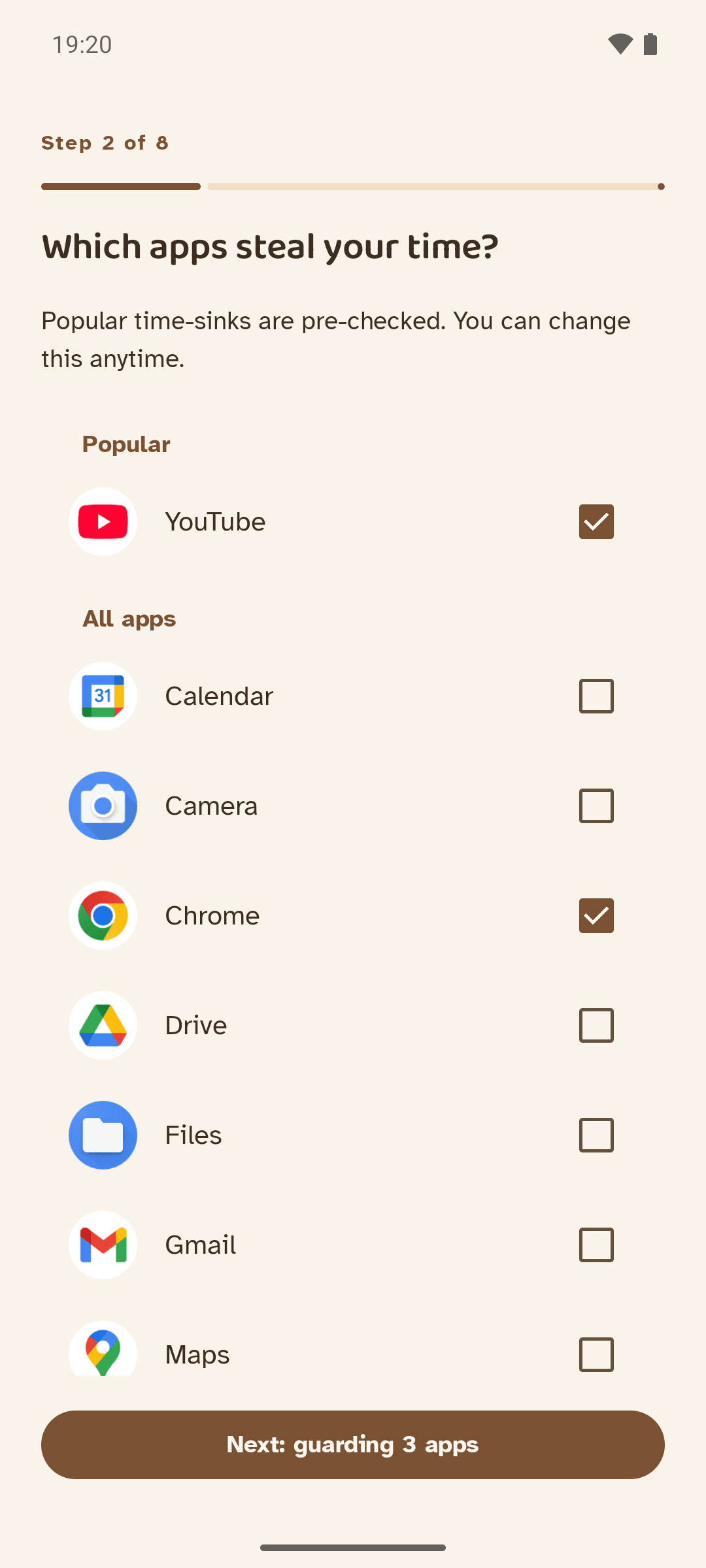
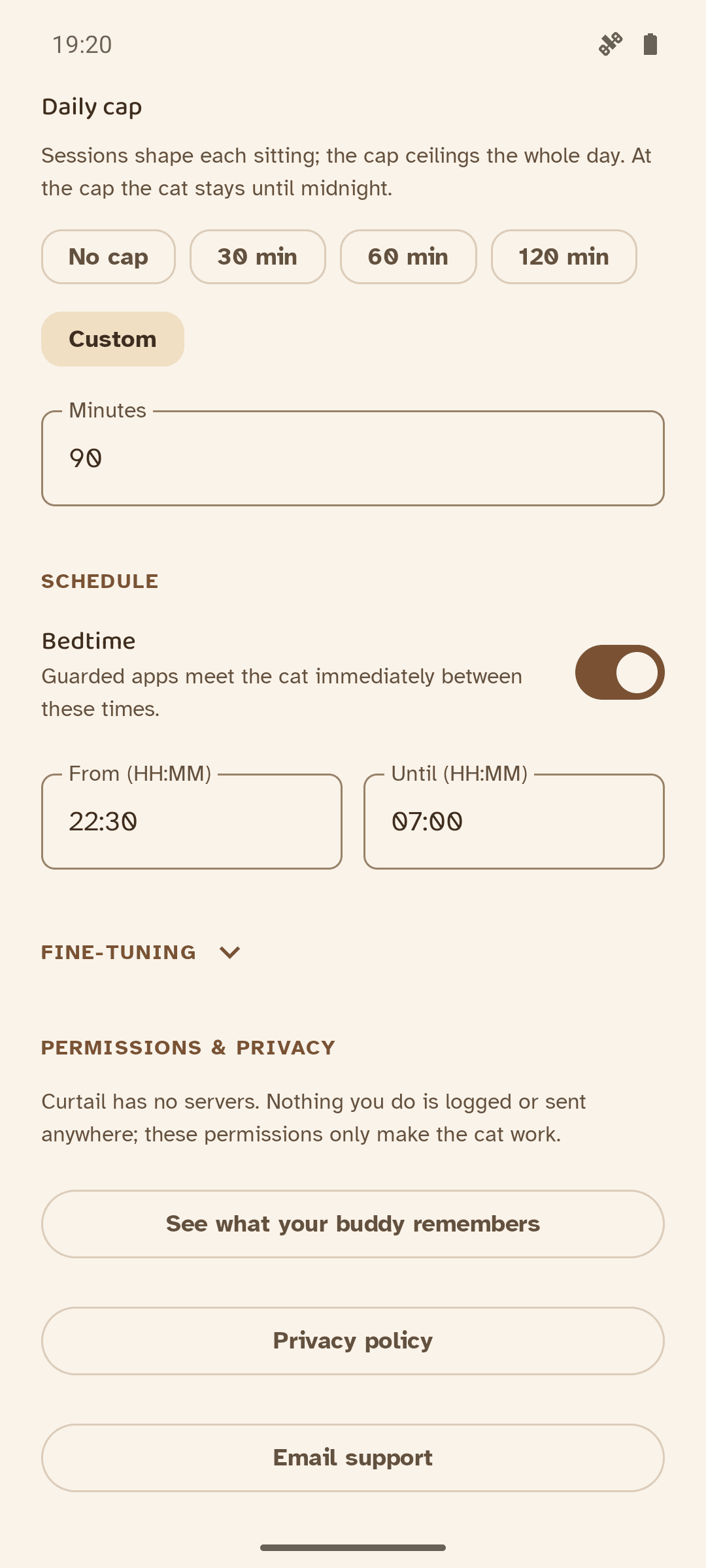
Setup is eight small questions: which buddy is on duty (Cash the cat or Tango the Ridgeback, both free) and what to call them, which apps, how long a sitting should last, how long a break, and whether you want a daily cap or a bedtime window. Popular time-sinks come pre-checked; everything is editable, forever, from Settings.
Your phone, messages, contacts, alarms, settings and home screen never appear in that list. Curtail asks Android which apps those are and refuses to guard them, because you might need them in an emergency.
The default is ten minutes per sitting with a five-minute break. Time in any guarded app draws from one shared budget, or you can switch on per-app timers and give each app its own time limit: one for TikTok, another for Instagram, another for YouTube.
2
You scroll, the budget drains
You use your phone normally. A few minutes before the budget runs out, a quiet notification reminds you: time to finish that thread.
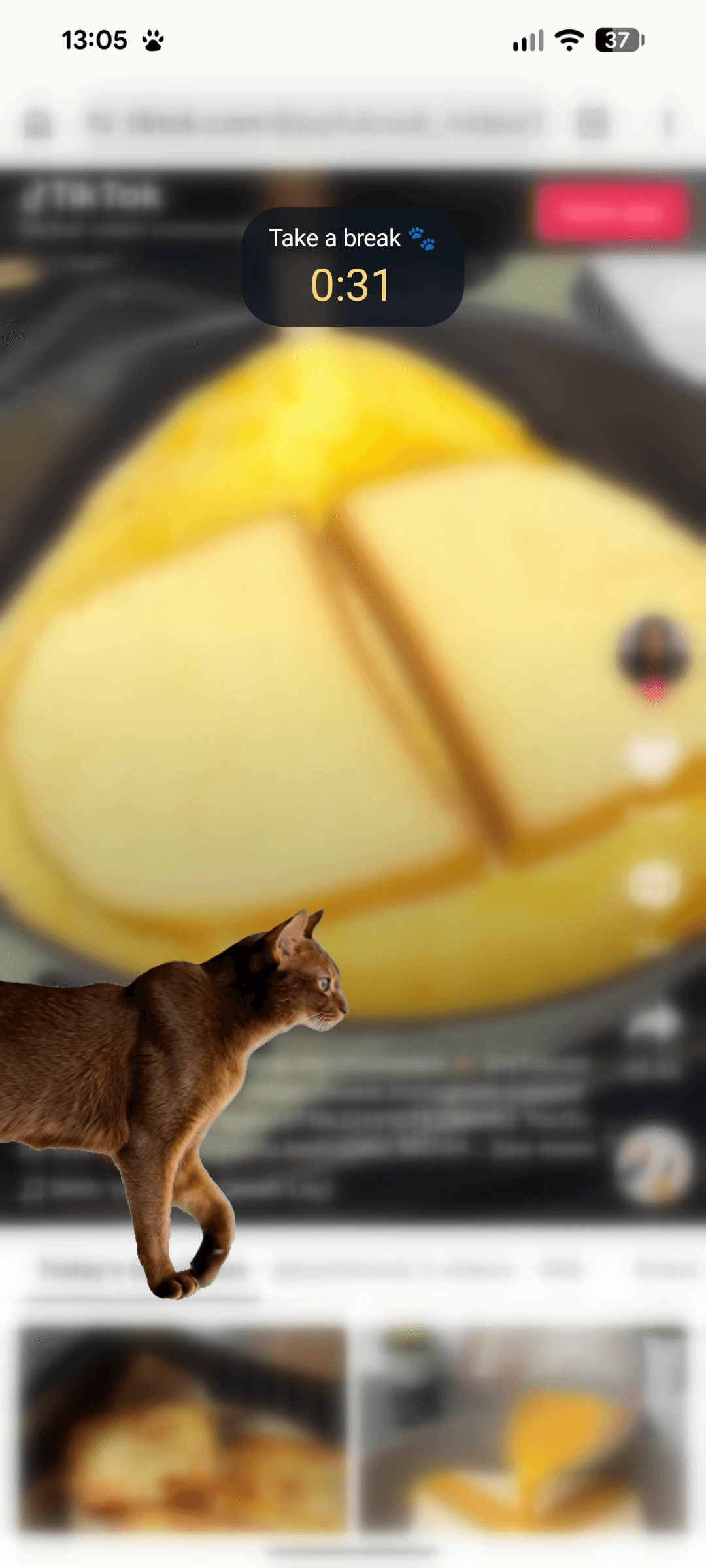
Then the budget hits zero, and Cash walks in over whatever you’re looking at.
3
You can watch, you can’t tap
The app keeps running underneath. Videos keep playing, the reel rolls on. But the screen belongs to Cash now: every tap lands on fur, not your feed, until the countdown ends.
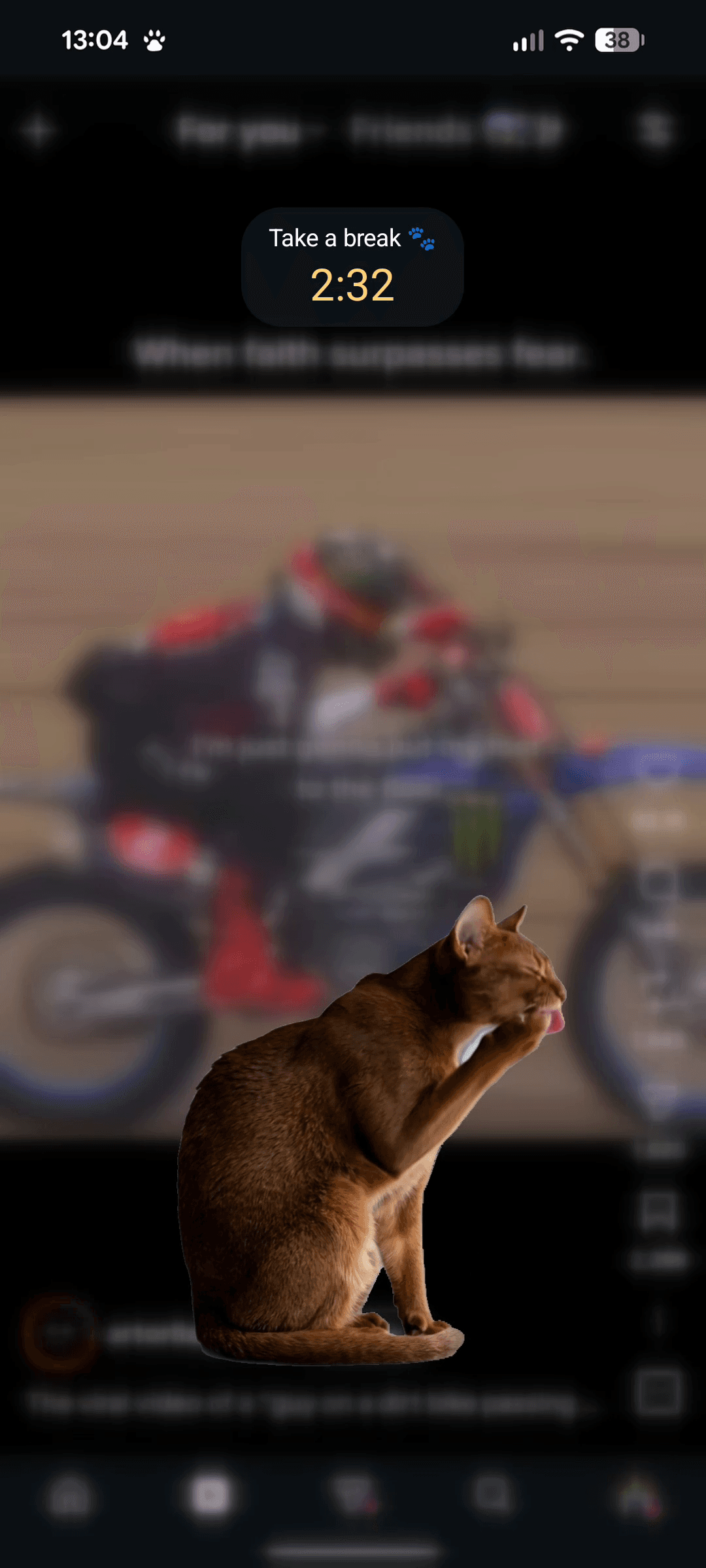
Cash doesn’t nag and doesn’t lecture. He just sits there, glancing at you now and then, grooming a paw.
4
You choose what a break looks like
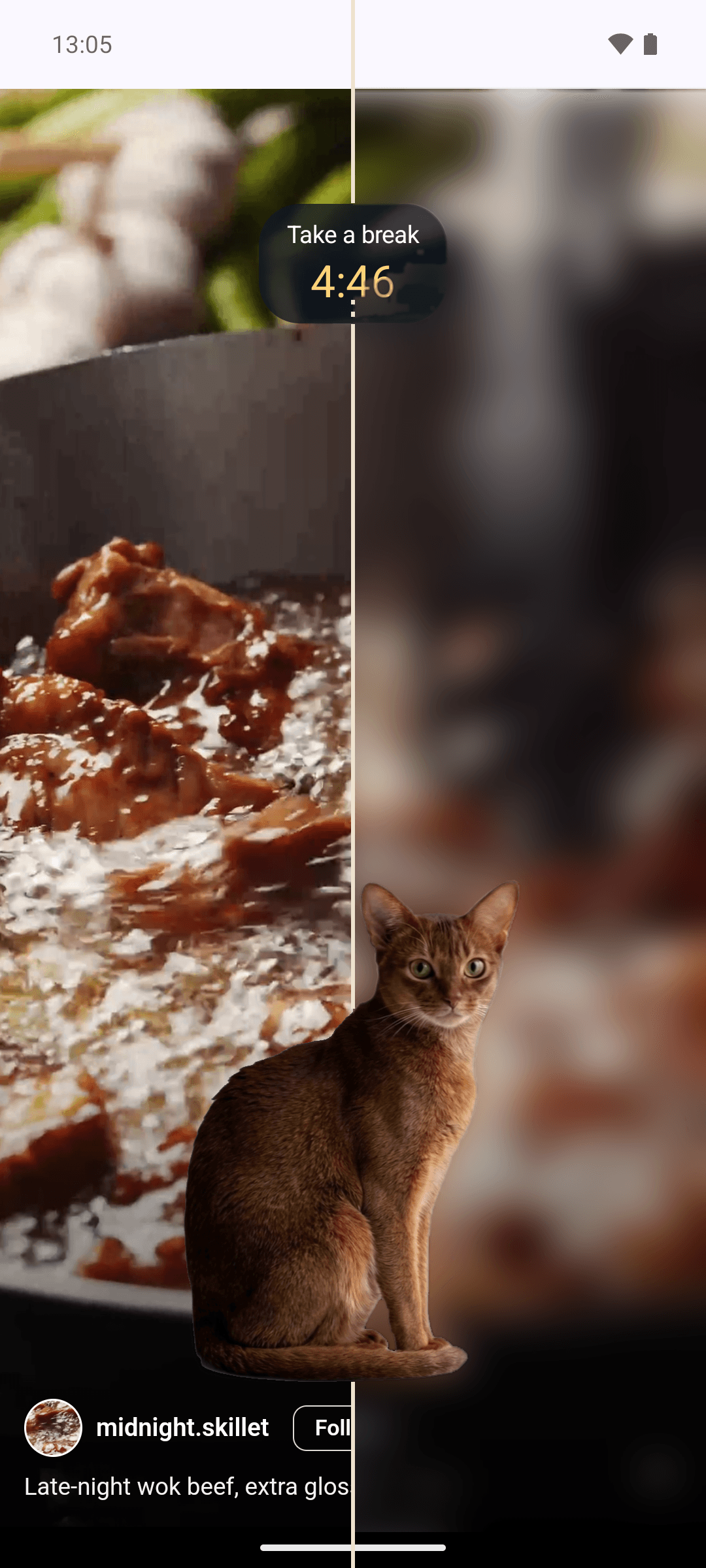
By default the feed stays exactly as it was: readable, playing, just untouchable. A visible feed under the cat is the whole idea.
If seeing it is the temptation, there’s an optional blur: mild takes the effort out of reading, hard melts the page into fog. Same break, same cat, your choice of view.
5
Or it’s Tango’s shift
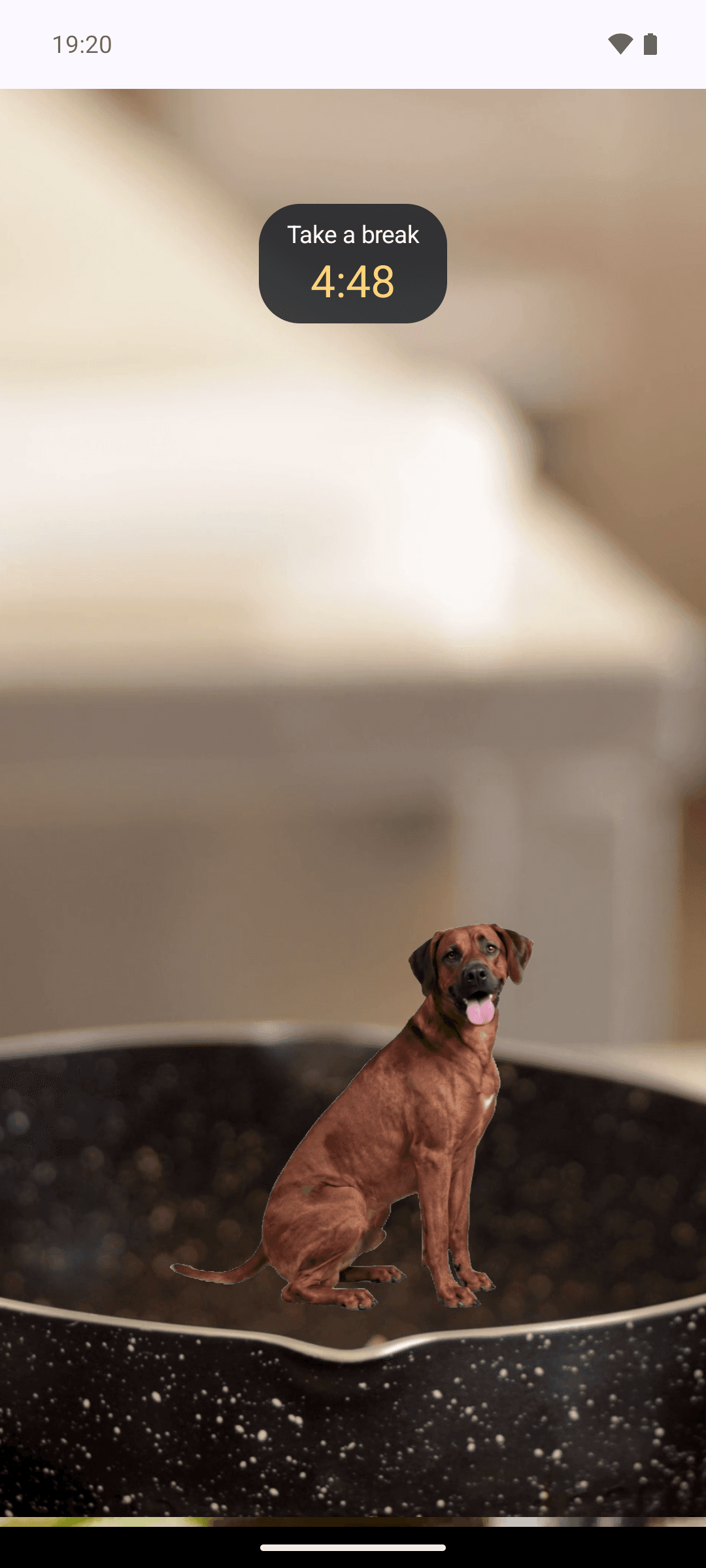
Cash is the default, not the only option. Pick the dog in setup and Tango works the breaks instead: walks in, sits down facing you, stays until the countdown ends. Same rules, same patience, considerably more ear.
6
Stay long enough and they fall asleep
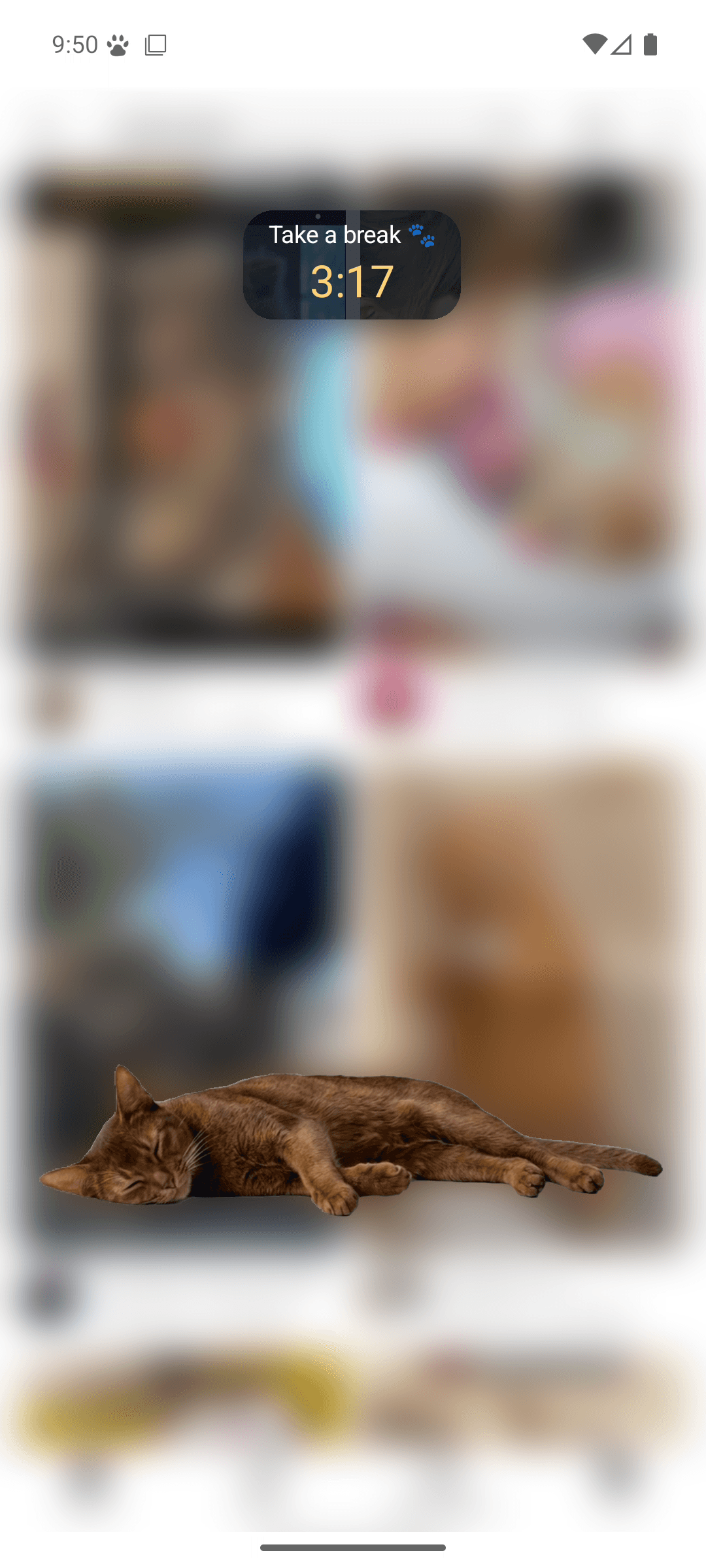
Give either of them a long break and they settle, stretch out, and sleep on your feed. It’s the least judgmental screen-time intervention you will ever meet.
7
The break ends, or you end it
When the countdown finishes, your buddy leaves and the budget resets. Or you dismiss him early, from Curtail’s notification or the app, never from the overlay itself. Having to reach somewhere else is the deliberate bit of friction: it makes autopilot pause and decide.
The only cost is to the streak: early dismissals are the one thing it counts, and even that forgives one bad day a week.
The two permissions
Two permissions make the whole thing work. Here is what each one does, and what it can’t.
Usage access
What it unlocks: Curtail checks once a second which app is in the foreground, so it knows when a guarded app is open and how long you’ve been there.
What it cannot do: it can’t read what’s on your screen, see inside your apps, or read your messages. It sees an app name and a clock, nothing else. Nothing is logged off-device or transmitted; the app has no network code and everything stays on-device.
Display over other apps
What it unlocks: this is how the pet appears on top of your feed. It draws a picture over the screen, with a countdown.
What it cannot do: it can’t read, tap, record, or capture anything in the app underneath. It is a picture, sitting on top, catching your taps.
What it doesn’t ask for
Curtail does not use an Accessibility service, which many app blockers run on and which lets an app read everything on your screen; it reads the name of the app in front and nothing on it. It has no internet permission either, so nothing it sees can leave the phone. If you’d rather check than believe, the permission list on the Play listing is the receipt: draw over other apps, notifications, starting after a reboot, running as a foreground service, and nothing that says internet. Usage access is granted on a Settings screen of its own, so it may not show there; and under Settings, Accessibility, Curtail doesn’t appear at all.
Notifications, the ordinary one
Used for the guard-status notification (which is also where the Dismiss button lives), the optional pre-limit warning, and an alert if a permission gets switched off mid-run.
The full detail lives in the privacy policy, which says the same thing in slightly more lawyerly sentences.
Want Cash or Tango on your phone?
Curtail is finished, and free on Google Play.